
Amazon
Fire TV Stick 4K Select
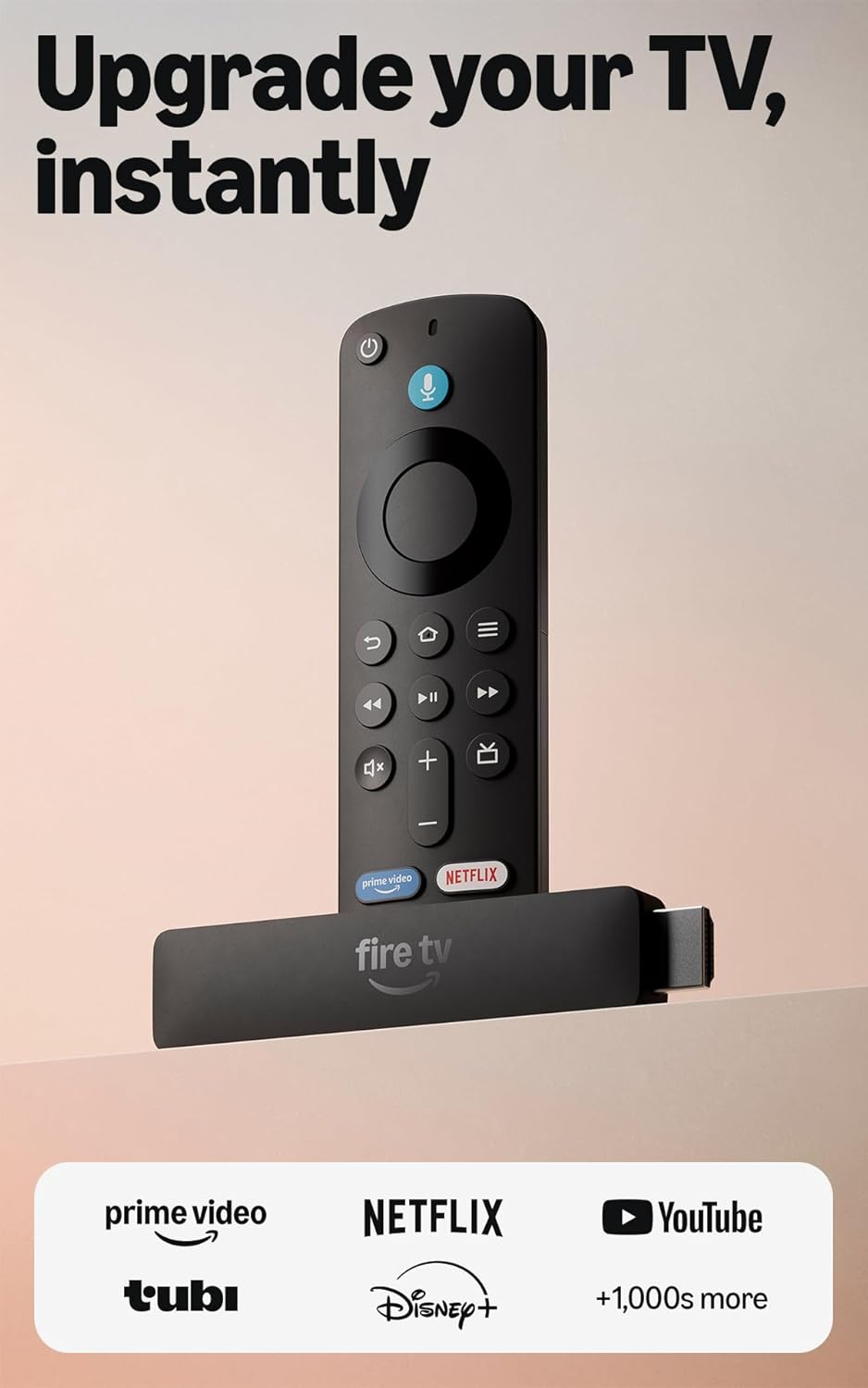
Stream in 4K Ultra HD with AI-powered search and an Alexa Voice Remote on any HDMI TV.
Score 8.4 out of 10Very good
Highly reviewed · Mid range
Top Fire TV streaming sticks for 4K and HD, compared. Aggregated product ranking, refreshed weekly.
6 products listed · Updated June 16, 2026
Amazon
Stream in 4K Ultra HD with AI-powered search and an Alexa Voice Remote on any HDMI TV.
Score 8.4 out of 10Very good
Highly reviewed · Mid range
Amazon
Score 8.2 out of 10Very good
Well reviewed · Budget

Amazon
Score 9.2 out of 10Excellent
Highly reviewed
Each mark is one product, placed by its score out of 10

Highly reviewed
Score 9.2 out of 10
Score 9.2 out of 10

Highly reviewed
Score 8.8 out of 10
Score 8.8 out of 10

Score 9.2 out of 10
Score 9.2 out of 10
| Rank | Model | Score | Key feature |
|---|---|---|---|
| 01 | Amazon Fire TV Stick 4K Select | 8.4/10 | - |
| 02 | Amazon Fire TV Stick HD | 8.2/10 | - |
| 03 | Amazon Fire TV Stick 4K Max | 9.2/10 | - |
| 04 | Amazon Fire TV Stick 4K Plus | 9.2/10 | - |
| 05 | Google TV Streamer (4K) | 8.8/10 | - |
| 06 | Roku Streaming Stick HD | 9.2/10 | - |
A streaming stick turns any TV with an HDMI port into a smart TV, giving you apps, live and free channels, and voice search through a single remote. The main decision is resolution: match the device to your TV so you are not paying for output your screen cannot show, or limiting a screen that could do more.
If you have a 4K TV, the Fire TV Stick 4K Select streams in 4K Ultra HD and is the better long-term pick, with AI-powered search to find something to watch quickly. If your TV is 1080p or you are setting up a secondary or budget room, the Fire TV Stick HD covers everyday streaming at a lower price.
Both devices include an Alexa Voice Remote, so you can search across apps, launch shows, and control playback by voice, and both surface a large amount of free and live TV alongside the subscription services you already use. Setup is plug-and-play over Wi-Fi in a few minutes.
Consider where the device will live. For a main living-room 4K TV, the 4K Select future-proofs your setup. For a bedroom, guest room, or travel kit, the HD stick is compact, affordable, and more than enough for casual viewing.
Each list aggregates published product rankings for its category and lists each product once, in aggregated order.
Scores come from the aggregated rankings. Titles, features and photos come from each product's retailer listing at the last refresh.
Rankings are refreshed every week, so products move up, down or out as the underlying rankings change.
Prices and availability change often. Check the current price before you buy.